Monitor Mounts
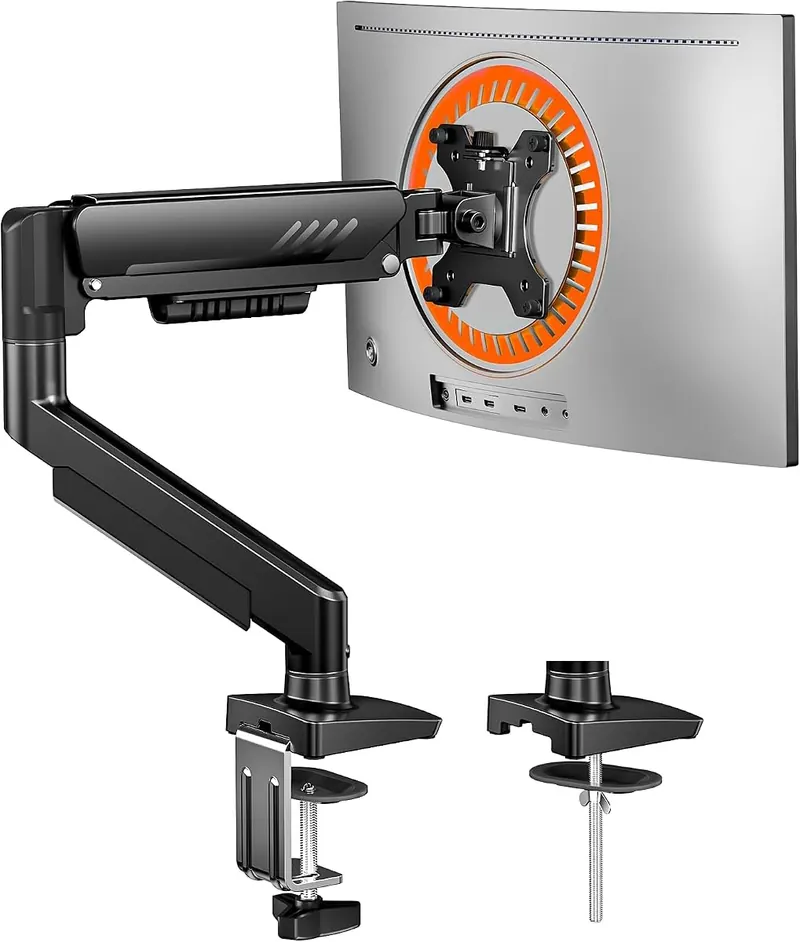
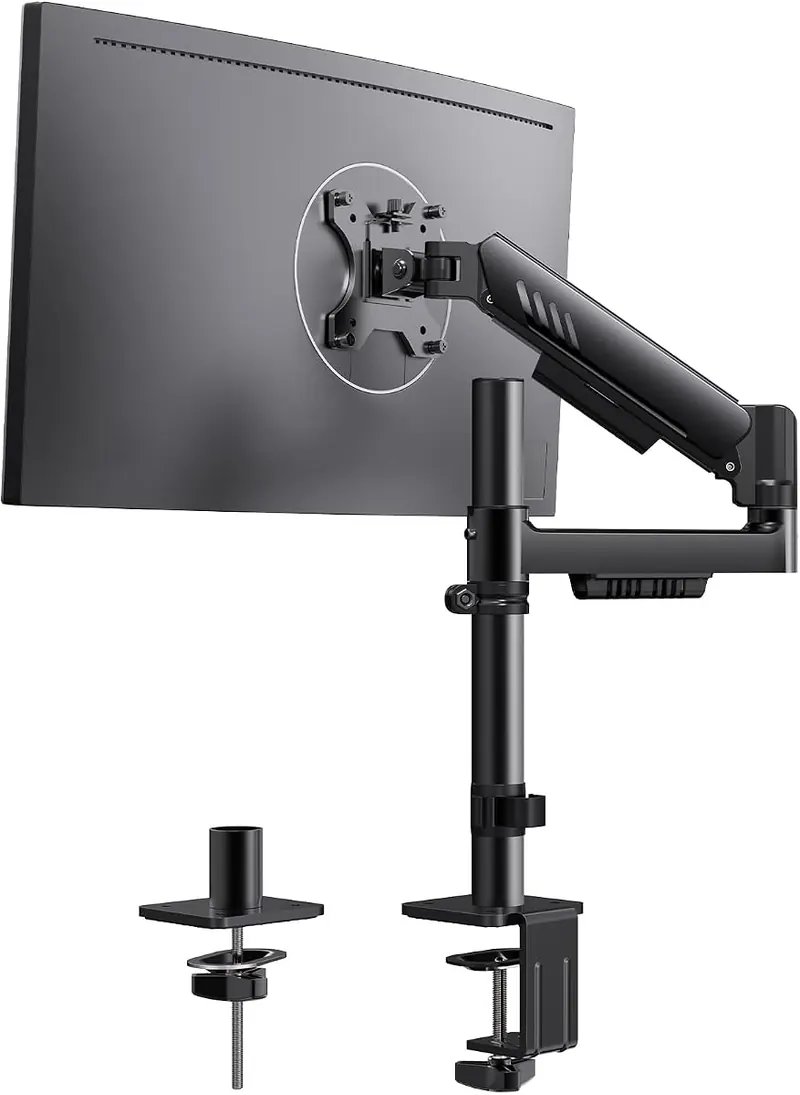
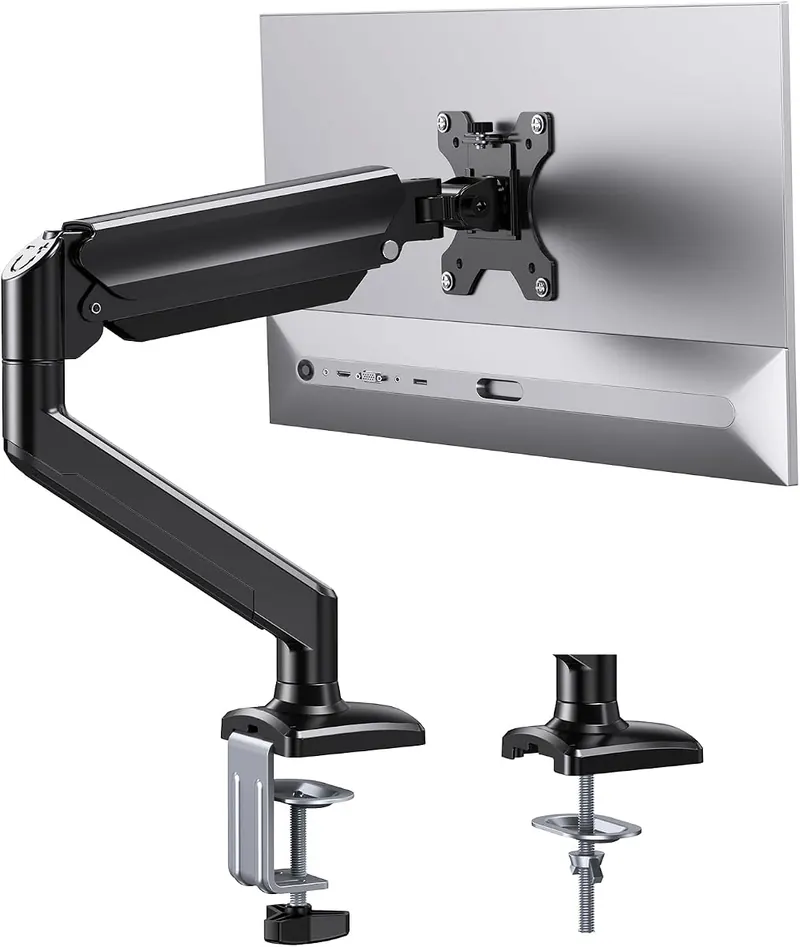
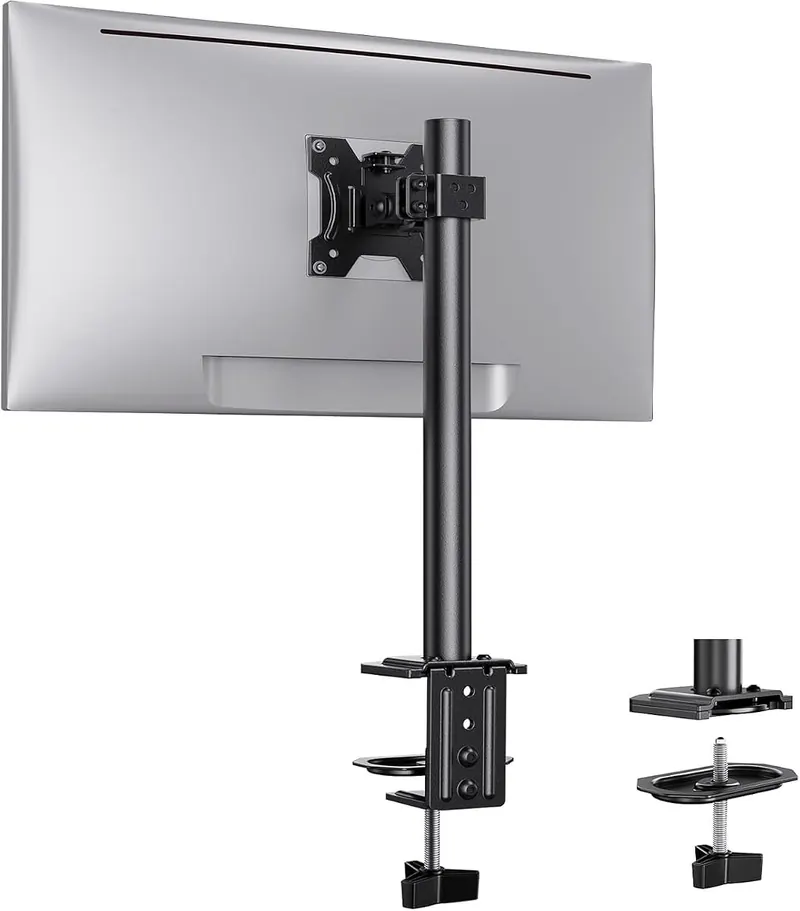
Single Monitor Mount, 13 to 32 in
The plain single arm: 13 to 32 inch screens, 17.6 lbs, clamp or grommet, nothing else.
Screens1
Screen size13 to 32 in
Per arm17.6 lb
$20.99$29.99★★★★★ 4.5 (5,278)
18 mounts in this section
Eighteen mounts that look alike and are not. Four numbers separate them, and one of them is on the back of your screen.
This is where a catalogue earns its keep, because monitor arms photograph almost identically and fail for four specific reasons. The first is arm count: six of these take one screen, nine take two, three take three, and no amount of goodwill makes a two-arm stand hold a third. The second is diagonal, which runs from a 27 inch ceiling on one triple mount to 49 inches on the single ultrawide arm.
The third is weight per arm, and it is the one that gets ignored. Ratings here run from 17.6 to 37.4 pounds. A 27 inch office monitor is usually 10 to 14 pounds without its stand and any arm here will hold it. A 32 inch curved panel or a 34 inch ultrawide is often 20 to 25 pounds, which rules out more than half the section. The rating is per arm, not per mount, so a dual arm rated at 19.8 pounds holds two 19.8 pound screens rather than one 39.6 pound one.
The fourth is how it attaches to the world. Most of these clamp to the back edge of the desk; several will alternatively bolt through a grommet hole; two are free-standing stands that need no fixing at all and are the only option on a glass desk or a desk you are not allowed to drill. One goes on the wall instead and touches the desk at no point, which is the other answer for a glass top and the only one that leaves the full depth of the surface free. Free-standing or wall is also the route for anyone with a desktop thicker than a clamp can open to.
Underneath all four sits the VESA pattern, which is the bolt spacing on the back of the screen. Most of these take 75 by 75 and 100 by 100 millimetres and fit almost anything. A handful take only one of the two, and those are noted on every product page in this section, because it is the single failure that cannot be worked around after the box is open.
The plain single arm: 13 to 32 inch screens, 17.6 lbs, clamp or grommet, nothing else.
A single arm that assembles without tools and reaches 34 inch screens at 19.8 lbs.
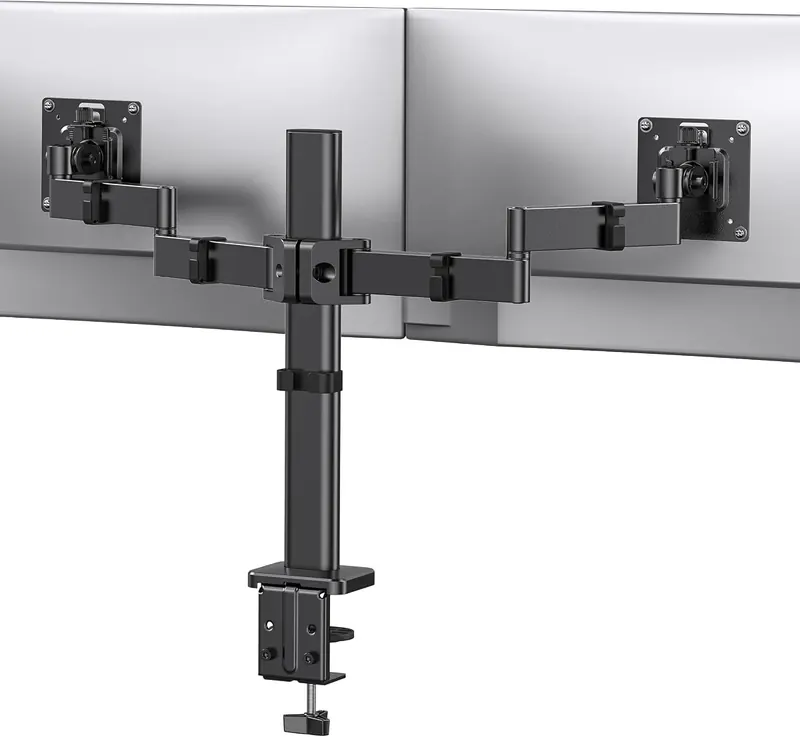
A tiered dual mount that stacks one screen above the other rather than side by side.
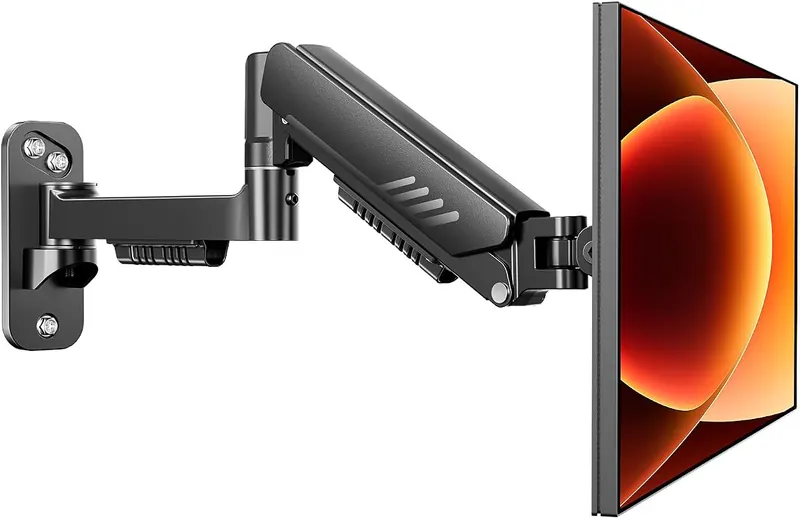
The only mount here that leaves the desk alone entirely, because it goes on the wall.
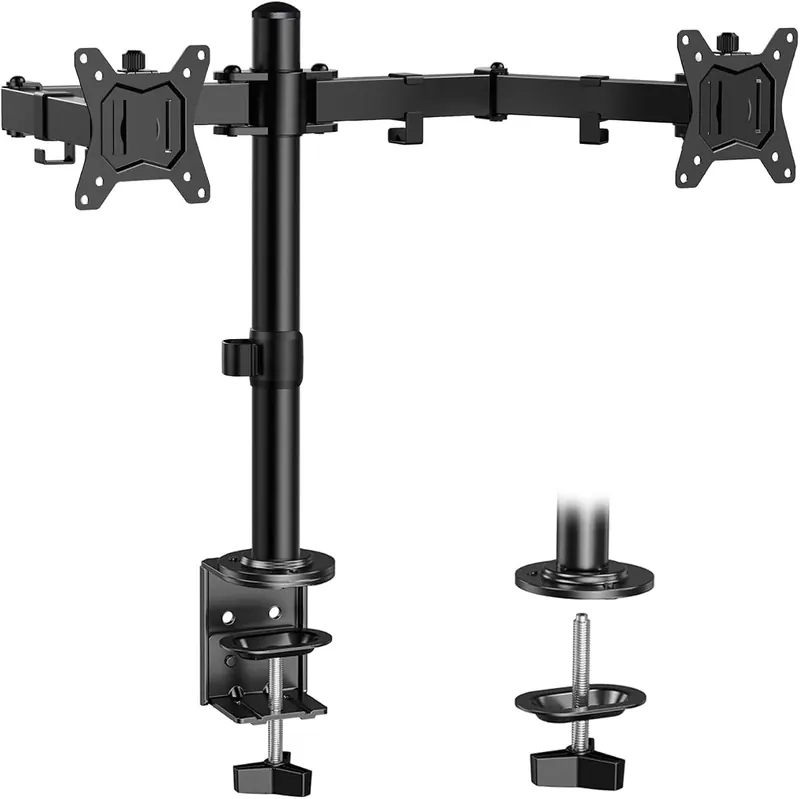
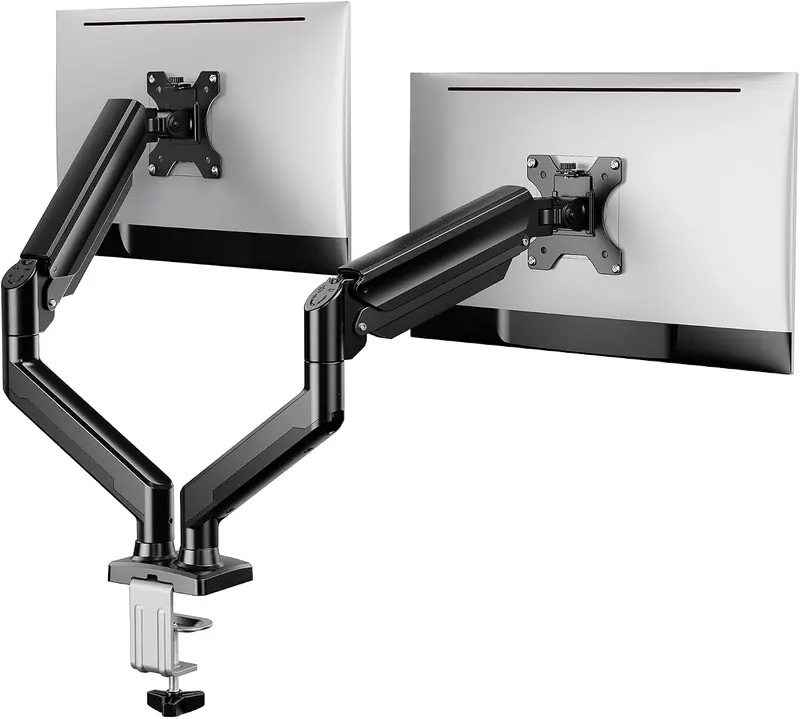
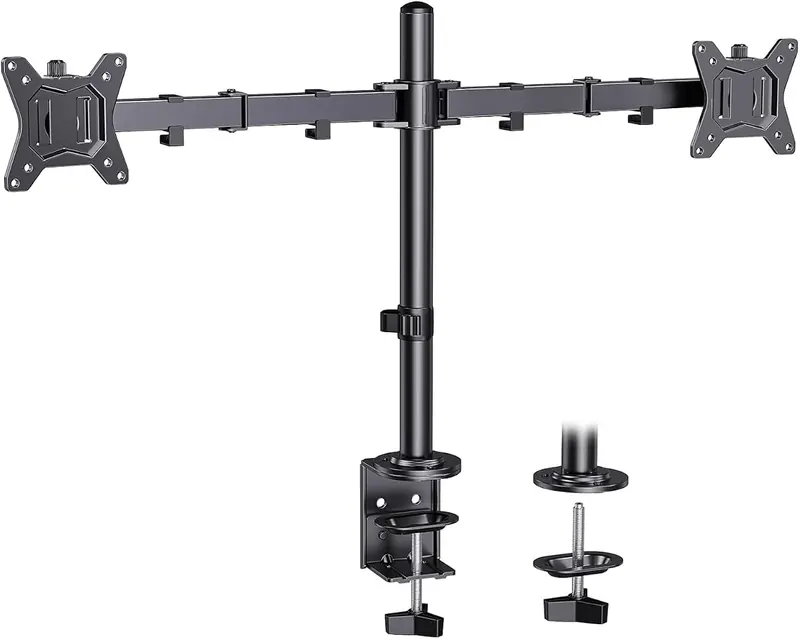
The most reviewed mount in the range: a dual stand for two 32 inch screens at 17.6 lbs each.
A single arm styled and braced for a gaming setup, 13 to 34 inches, clamp mount only.
A heavier steel dual mount for 17 to 33 inch screens at 22 lbs, built for stiffness.
The single arm that reaches 36 inch screens and 22 lbs, the largest of the low-cost arms.
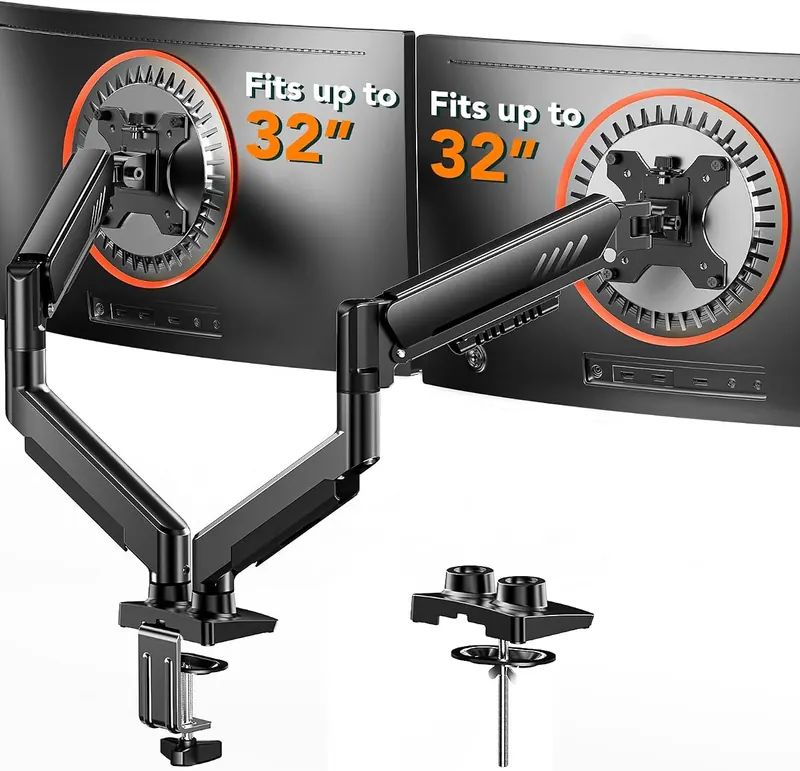
A dual arm that goes together without tools, for two screens up to 32 inches and 19.8 lbs.
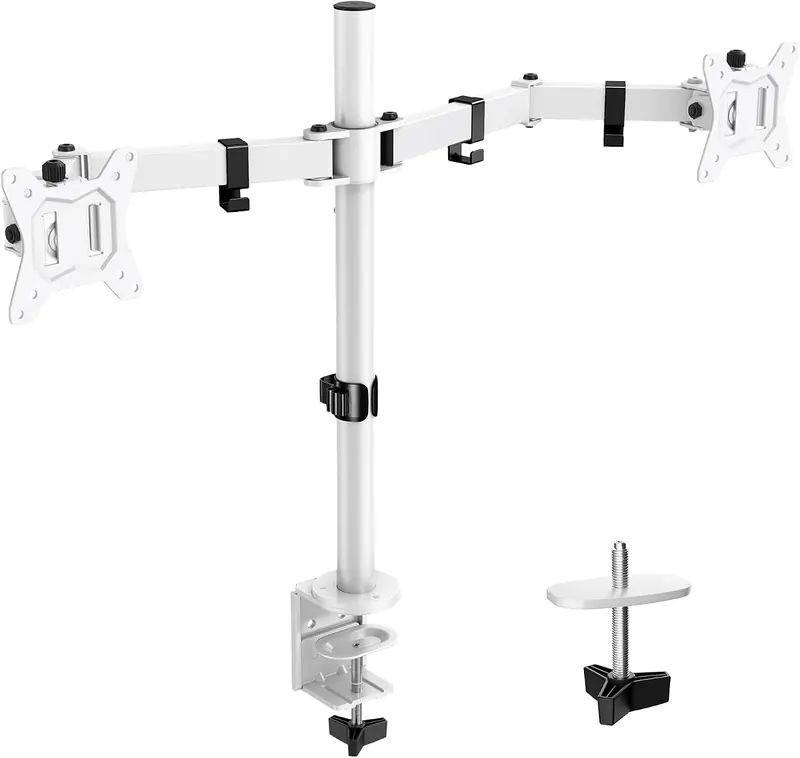
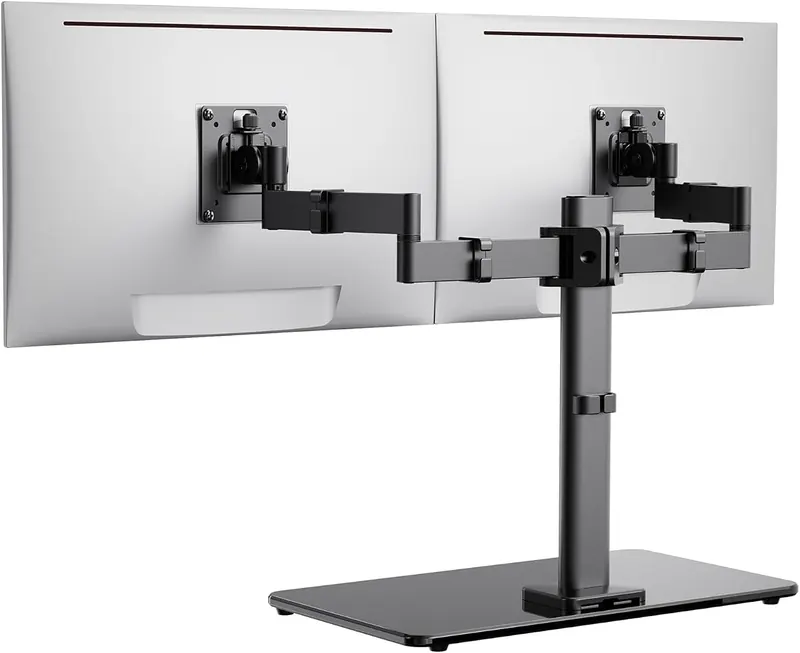
The dual stand in white, the only two-screen mount here that is not black.
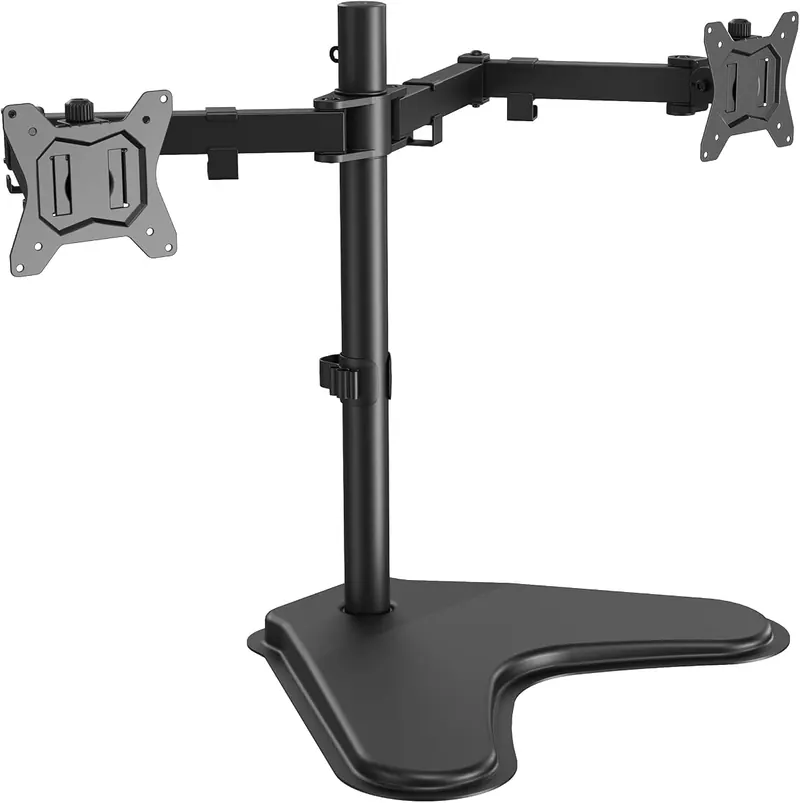
A freestanding dual stand that sits on the desk instead of clamping to it.
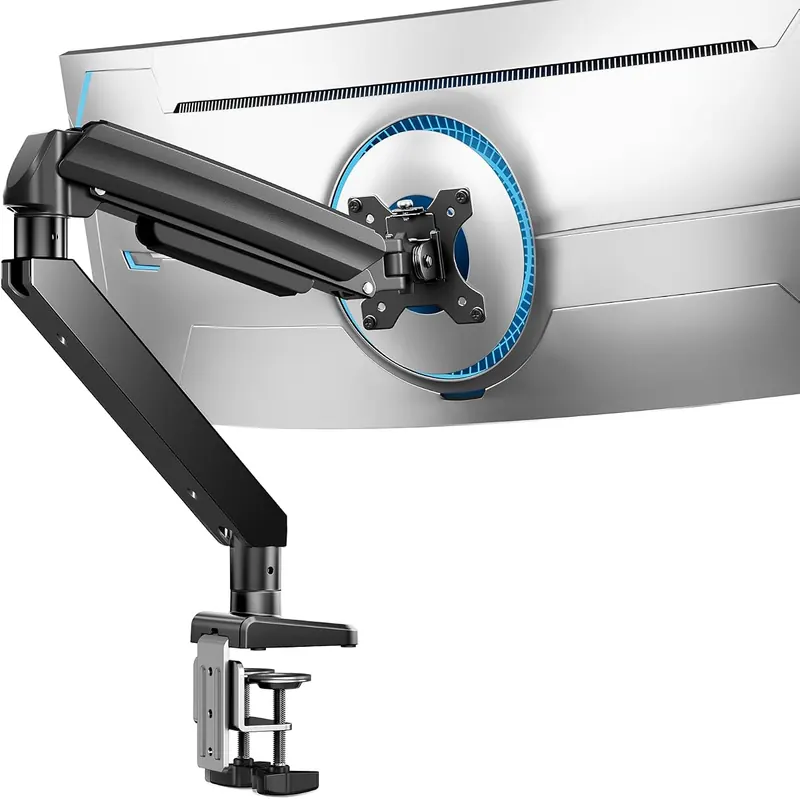
The highest-capacity single arm: up to 49 inches and 37.4 lbs on one post.
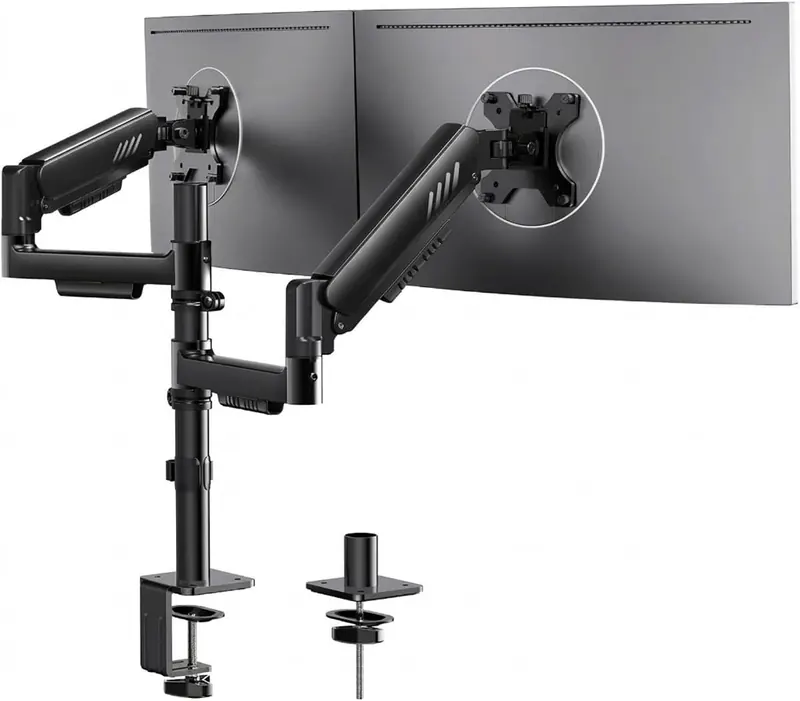
The strongest dual arm here: two 34 inch screens at 26.5 lbs each, clamp or grommet.
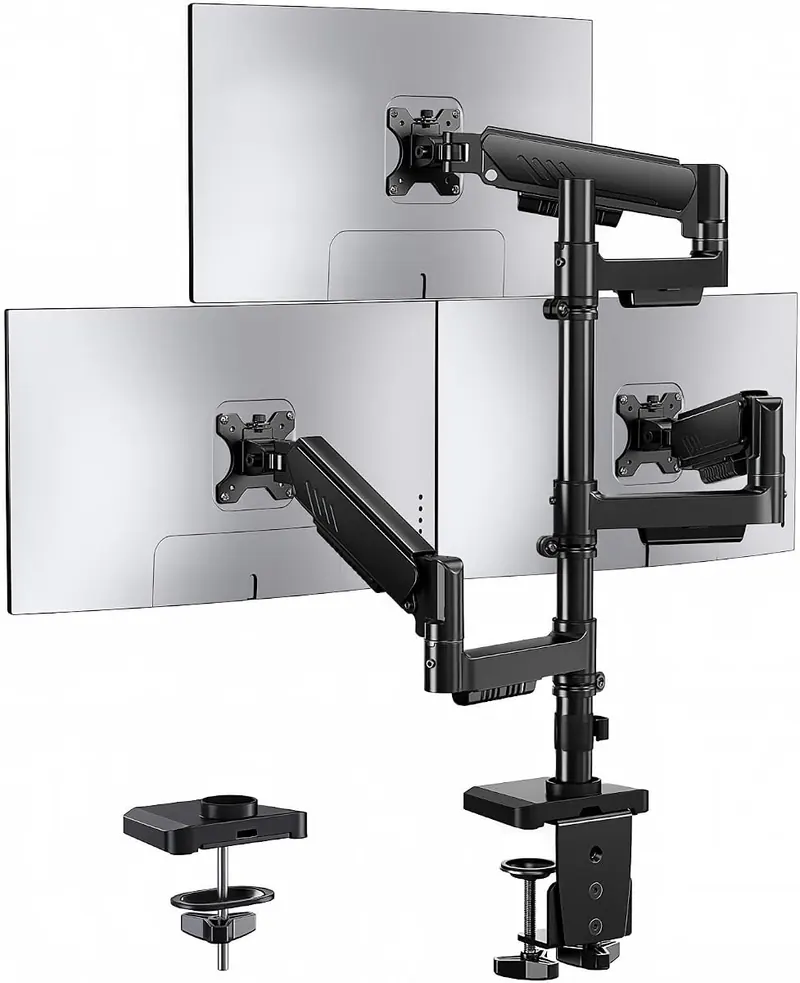
A stacked dual mount for screens up to 33 inches, on a 75 by 75 mm VESA pattern.
A freestanding dual stand on a glass base, for two 17 to 32 inch screens at 22 lbs each.
A three-screen mount with a built-in USB hub, for screens up to 27 inches.
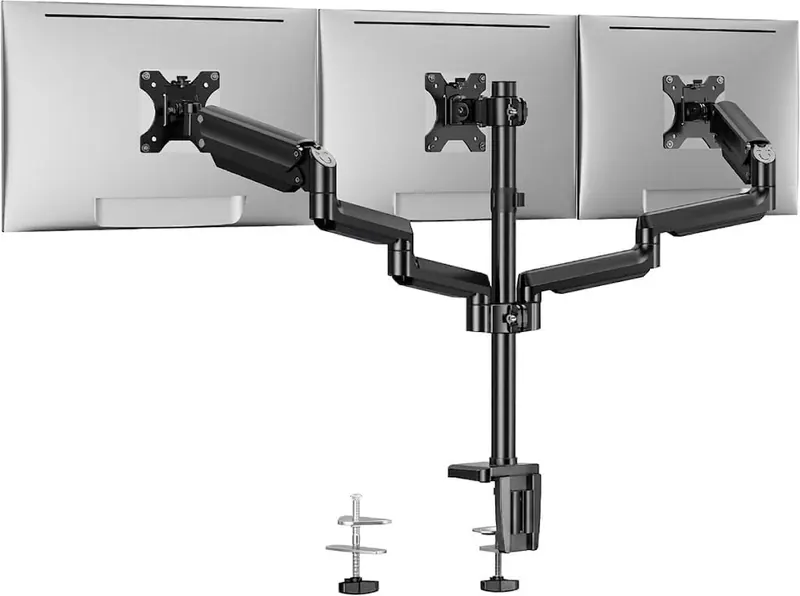
Three arms at 19.8 lbs each, the strongest triple here, carried on a two-point clamp.
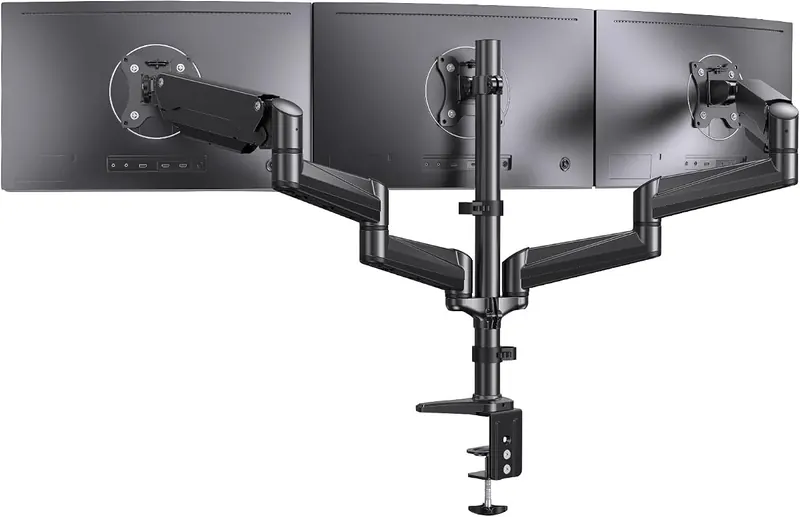
The largest triple mount here: three screens from 17 to 32 inches on one post.
| Mount | Screens | Diagonal | Per arm | VESA | Fixing | Price |
|---|---|---|---|---|---|---|
| Single Monitor Mount, 13 to 32 in | 13 to 32 in | 17.6 lb | 75x75 / 100x100 | Clamp or grommet | $20.99 | |
| Single Monitor Arm, Tool-Free VESA | 13 to 34 in | 19.8 lb | 75x75 / 100x100 | Clamp or grommet | $26.99 | |
| Tiered Dual Monitor Stand, 17 to 32 in | 17 to 32 in | 22 lb | 75x75 / 100x100 | Clamp only | $26.99 | |
| Monitor Wall Mount, 13 to 34 in | 13 to 34 in | 19.8 lb | 75x75 / 100x100 | Wall mount | $27.99 | |
| Heavy-Duty Dual Monitor Stand, up to 32 in | 13 to 32 in | 17.6 lb | 75x75 / 100x100 | Clamp or grommet | $29.98 | |
| Single Monitor Arm with Integrated C-Clamp | 13 to 34 in | 19.8 lb | 75x75 / 100x100 | Clamp only | $33.99 | |
| Steel Dual Monitor Mount, up to 33 in | 17 to 33 in | 22 lb | 75x75 / 100x100 | Clamp or grommet | $33.99 | |
| Single Monitor Arm, 13 to 36 in | 13 to 36 in | 22 lb | 75x75 / 100x100 | Clamp or grommet | $35.99 | |
| Dual Monitor Arm, Tool-Free VESA | 13 to 32 in | 19.8 lb | 100x100 | Clamp or grommet | $37.99 | |
| Dual Monitor Stand, up to 32 in - White | 13 to 32 in | 17.6 lb | 100x100 | Clamp or grommet | $39.99 | |
| Freestanding Dual Monitor Stand, up to 32 in | 13 to 32 in | 17.6 lb | 75x75 / 100x100 | Free-standing | $41.40 | |
| Heavy-Duty Monitor Arm for Ultrawide Screens, up to 49 in | 13 to 49 in | 37.4 lb | 75x75 / 100x100 | Clamp or grommet | $41.99 | |
| Dual Monitor Arm with C-Clamp and Grommet Base | 13 to 34 in | 26.5 lb | 75x75 / 100x100 | Clamp or grommet | $42.29 | |
| Stacked Dual Monitor Mount, 13 to 33 in | 13 to 33 in | 19.8 lb | 75x75 | Clamp only | $44.99 | |
| Freestanding Dual Monitor Stand with Tempered Glass Base | 17 to 32 in | 22 lb | 75x75 / 100x100 | Free-standing | $51.29 | |
| Triple Monitor Mount with USB Ports | 13 to 27 in | 17.6 lb | 75x75 / 100x100 | Clamp only | $69.98 | |
| Triple Monitor Mount with Dual C-Clamp, 13 to 32 in | 13 to 32 in | 19.8 lb | 75x75 / 100x100 | Clamp or grommet | $69.98 | |
| Triple Monitor Mount, up to 32 in | 17 to 32 in | 17.6 lb | 75x75 | Clamp only | $129.99 |
Sorted by price. Figures are the published specifications for each model; where no figure has been published the cell says so instead of guessing.
Four answers narrow 18 mounts to the ones that will actually hold your screens. Panel weight is the figure without the factory stand.